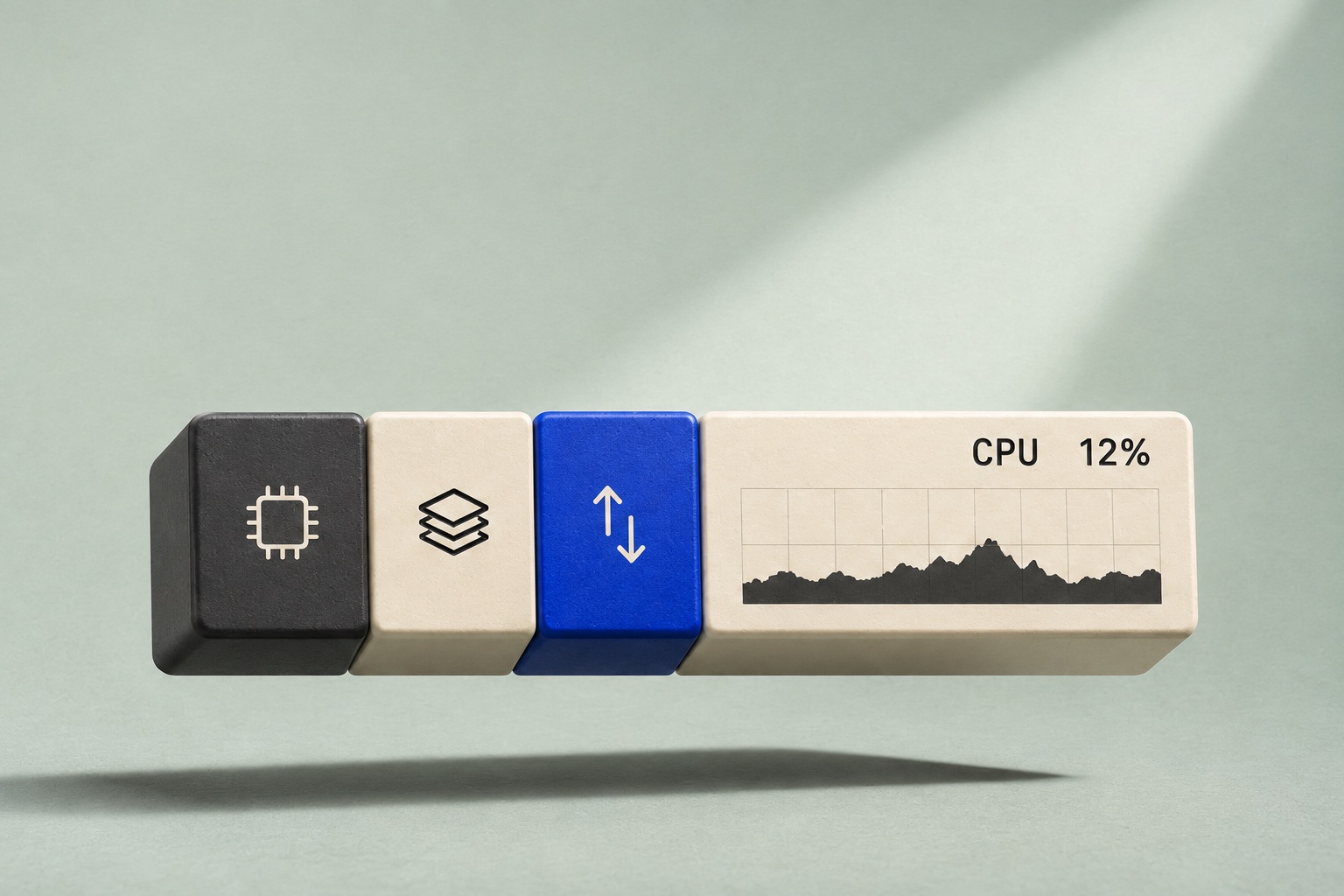
Stillbar
Your Mac, at a glance.
See CPU, memory and network speed in your menu bar. Choose which readings stay visible and which appear when something changes.
Download for Mac
macOS 14 or later
Keep the readings you use most.
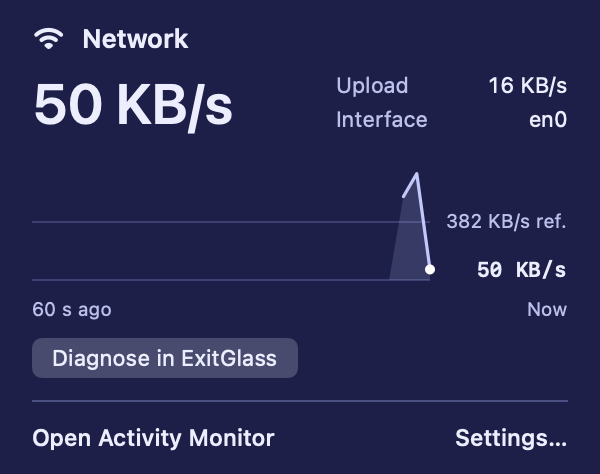
Show a metric on its own or group related readings in one item. Open any item to see recent activity.
- Network
- Download and upload speed, active interface, and a one-minute history.
- CPU and memory
- CPU usage and memory pressure in a single menu bar item.
- Disk, battery and GPU
- Available as separate readings in the same menu bar.

Make room with Tuck.
A compatible Tuck build can show or hide each Stillbar item individually.
Explore Tuck
Finder
 37% · 18.2 GB
↓ 12.4 MB/s ↑ 836 KB/s
37% · 18.2 GB
↓ 12.4 MB/s ↑ 836 KB/s
CPU, memory and network are visible in the example.


